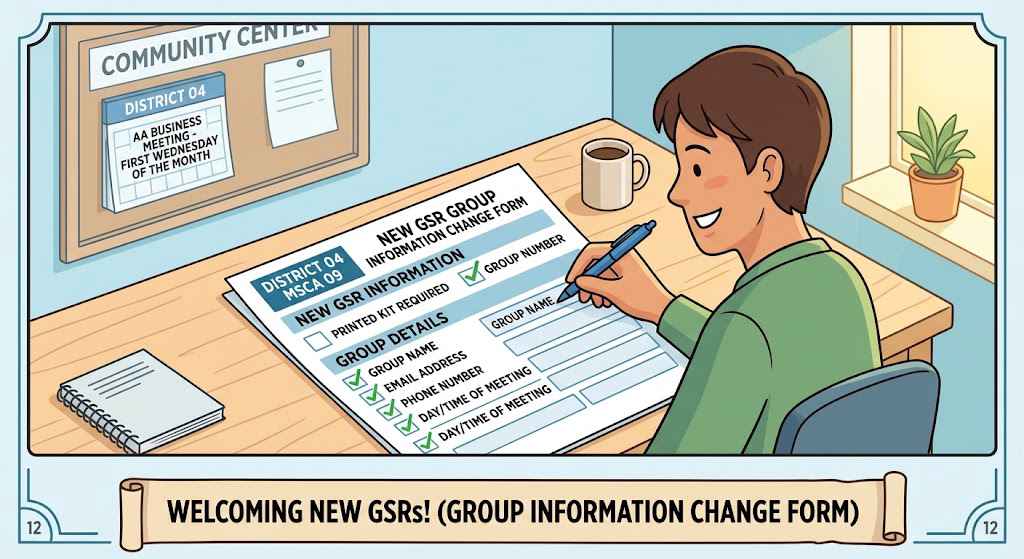
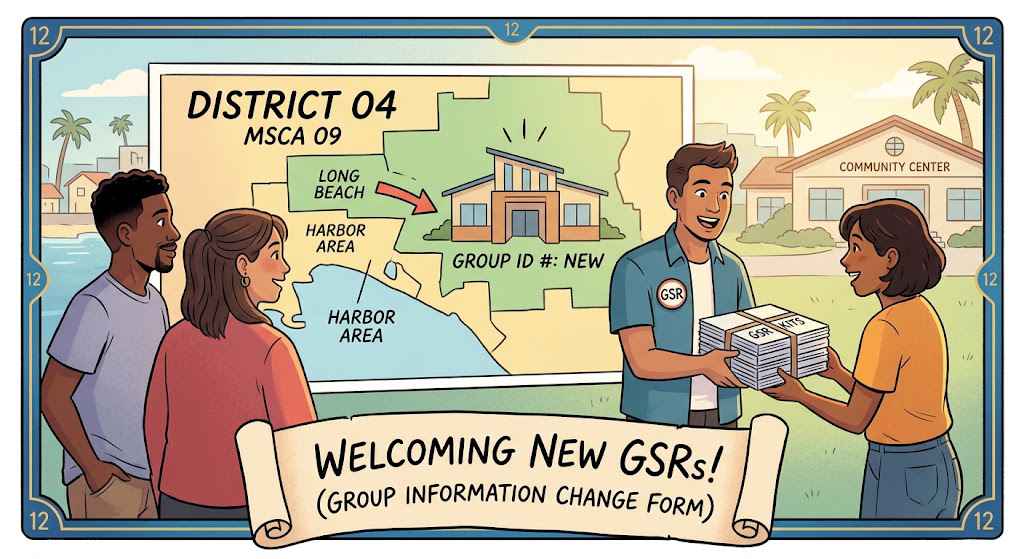
Simple instructions to fill out and submit the New GSR Group Information Change Form for District 04 of MSCA 09:
1. Group & Identification Details (District & Area):
º District 04 and Area 09 are filled in.
º Group ID: Provide your Group ID. If you aren't sure, check with your group's secretary or treasurer. If your group is brand new and not yet registered with G.S.O., leave it blank or note it as "New" and the D4 Registrar will email it to you once registration is complete.
2. Old Information vs. New Information:
º Old Information Section: Fill in your current group details (Group Name, Type/Format, Location/Address, meeting days and times, phone number, and approximate member count) so the registrar knows what to update.
º New Information Section: Fill in all the updated details clearly so fellowship records remain accurate.
3. GSR & Alternate GSR Contact Info:
º Provide the full contact details (Name, Address, Phone, and Email) for both the General Service Representative (G.S.R.) and the Alternate G.S.R.
º G.S.R. Kit: New G.S.R.s will automatically receive a digital G.S.R. kit. If you prefer a print version, be sure to check the box on the form.
4. How to Submit the Form
º You can submit your completed form using any of the following methods:
District 04 Registrar
P.O. Box 9972
Long Beach, CA 90810
By Email:
Fill out the form using your computer (save and send
)
Send a scanned copy or clear photo to the D4 Registrar at Registrar@LongBeachAA.org.
In Person: Bring the form directly to the monthly District 04 / MSCA 09 Business Meeting held on the first Wednesday of the month.